Reading Behind the Play: Untangling Delayed Captions on UK IPTV Players
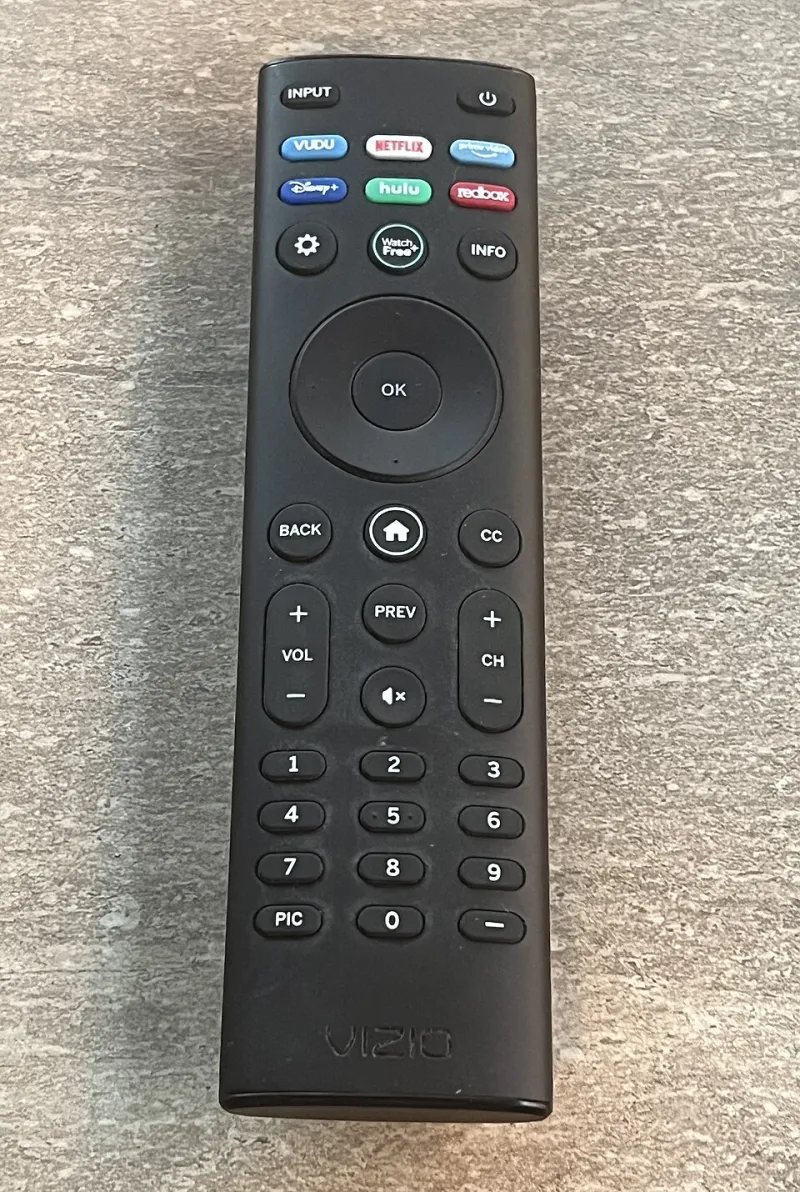
Photo: TaurusEmerald, CC BY-SA 4.0, via Wikimedia Commons
You press play on a UK channel or a catch-up episode, the picture looks sharp, the sound is locked to the mouths, and then the subtitles turn up late to the party. Not missing, not garbled — just a beat or two behind. It is infuriating in a very specific way, because everything else about the stream looks fine.
That is the first clue. Subtitle drift is usually a timing problem with the text track, not a broadband problem and not the same thing as lip-sync. If the audio and video are happily married and only the words are lagging, you can stop blaming your router. The fix is somewhere in the player, the caption source or the way the stream was put together.
First, prove it is not lip-sync
Lip-sync is about sound arriving before or after the picture. Subtitle drift is about text arriving before or after both. They can look similar on a tense drama scene, but they are not the same fault.
Do a quick check. Find a programme with plenty of close-up speech — a BBC news bulletin, a soap, a chat show — and watch a mouth move. If the sound matches the lips but the subtitle lands after the line has been delivered, you have subtitle drift. If the sound itself is late, sort that first; there is no point nudging captions while the audio is still wandering.
Also note whether the delay is fixed or growing. A constant two-second lag points to an offset setting or a bad caption track. A lag that gets worse over twenty minutes points to a player clock or frame-rate mismatch, which is a different repair.
The five-minute test that saves an evening
Before you dive into menus, run a simple comparison. Watch the same programme on-demand, then watch a live channel. Try a second app on the same box. If the subtitles are late everywhere, the box or the source is the common factor. If they are late only in one app, you have found your suspect.
It also helps to try a completely unrelated app — YouTube, iPlayer, ITVX — with subtitles switched on. If those captions are also late, the telly or box is mishandling subtitle rendering. If they are fine, your IPTV player is the odd one out. That single test tells you whether to fiddle with the player or start looking upstream.
App-level offsets are usually the first stop
Some players give you a proper subtitle delay control. VLC and Kodi are the usual suspects for a slider or a positive/negative offset, and some living-room IPTV apps bury a similar setting under playback or accessibility. The wording varies: subtitle delay, subtitle sync, caption offset. The sign convention varies too, which is why the first nudge often goes the wrong way.
Change the value in small steps — half a second at a time — and check against a recorded line. Do not jump straight to ten seconds. If a small fixed offset fixes it, great: save the setting and move on. If you keep having to add more delay as the programme goes on, stop. That is not an offset problem; that is drift, and the player is losing time against the stream.
Many smart TV apps offer no subtitle offset at all. If your Samsung or LG player has no such control, you are not doing it wrong. The app simply does not expose it. In that case, try a different player on a Fire Stick or Android TV box before you replace the telly.
Live TV and 888 captions have their own rhythm
Live UK television is where subtitle drift gets messy. Some streams carry teletext-style captions — the old page 888 route — while others use DVB subtitles or captions baked into the feed. A player might handle one type well and the other badly. It might also handle neither, which is why some IPTV apps show no subtitles on live channels at all.
If only live channels are late and catch-up is fine, the problem is probably in the live stream path rather than your box. Compare two channels. If BBC One is late but a smaller channel is fine, the issue may sit with that particular feed. If you still have an aerial, compare the same broadcast on Freeview. When Freeview captions are on time and the IPTV version is late, you have a provider-side timing issue. When both are late, the source itself is the likely culprit.
Be careful with 888 on IPTV. Not every app supports teletext pages, and not every stream includes them. If you cannot summon 888 at all, that is a feature gap, not drift. If 888 works but arrives late, the player is probably rendering a text layer without keeping it tied to the video clock.
When the fault sits with the player rather than the box
A slow box can make subtitles feel late, especially if it is struggling with a high-bitrate stream, but it is rarely the whole story. More often, the player is doing one of three things: ignoring the stream's subtitle timestamps, applying an offset you forgot about, or rendering captions in a separate overlay that drifts out of step.
Try the same stream on a second device. If the second device is fine, your original box or its app is the problem. If both devices show the same lag, the caption track or the provider is the common factor. That is the point where a factory reset of the box is unlikely to help — and where a quick message to your provider is more useful than another evening in the settings menu.
A sensible order of attack
Start by confirming audio and video are in sync. Then compare live versus on-demand, and one app versus another. Look for a subtitle offset and adjust it in small steps. Compare against Freeview if you can. Update the app, reboot the box, and try a different player. Only after that should you assume the stream itself is at fault.
Subtitles are supposed to sit under the dialogue, not trail behind it like a reluctant dog. Once you separate caption timing from lip-sync and from raw broadband speed, the fix is usually simpler than the telly makes it look.