When the Fibre Blinks: A £15-a-Month Second Line for UK IPTV
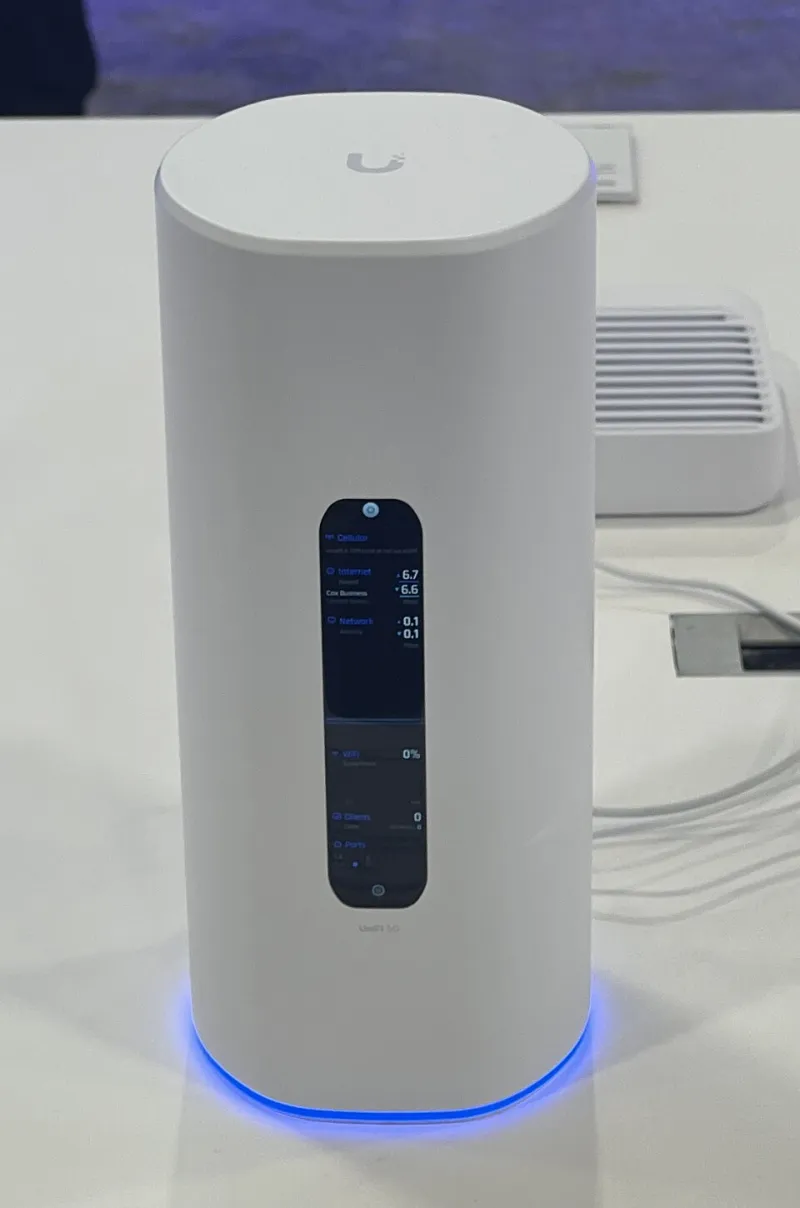
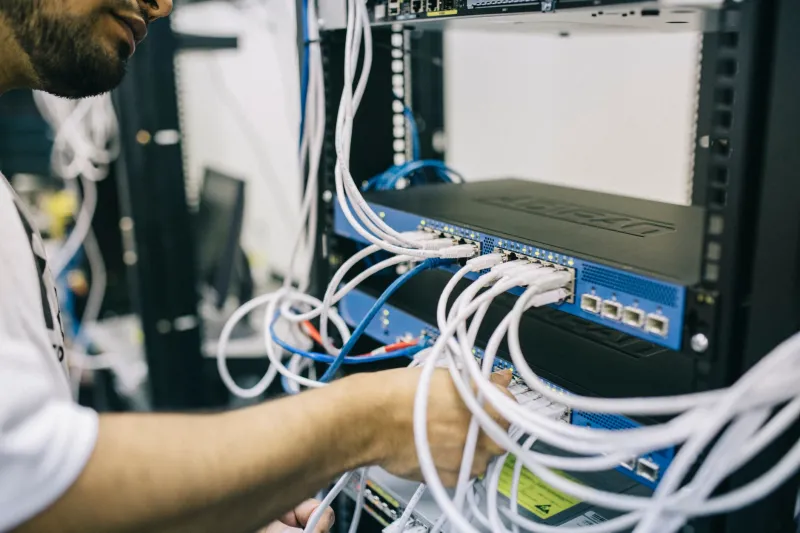
Photo: TaurusEmerald, CC BY-SA 4.0, via Wikimedia Commons
There's a specific kind of silence in a UK living room when the broadband dies mid-match. Not quiet exactly — more the sound of a stream that's buffering so hard it's basically given up, plus someone saying "is it your end or mine?" Nobody wants to be that household. But the obvious fix, a second full fibre line at forty-odd quid a month, is madness for something that might happen six times a year.
The middle ground is a 5G backup that costs less than a takeaway per month. Here's how to build one that actually works when you need it, rather than one that sits in a cupboard collecting dust until the night it matters.
Work out how hands-off you want the rescue to be
There are three rungs on this ladder, and it's worth being honest about which one you'll realistically maintain.
The phone hotspot. Free, already in your pocket, and perfectly adequate for one telly. The catch is that you have to notice the drop, dig your phone out, enable the hotspot, and then wander over to the TV to rejoin a network. That's a two-minute faff during a penalty shootout.
Manual swap on a spare router. You keep a cheap 5G/4G router plugged in next to the main one, with an Ethernet run to the TV box. When the fibre dies, you flip the box's network over (or just move one cable). Ten seconds, no phone involved.
Automatic failover. A router with dual-WAN or USB tethering watches the primary connection and switches when it stops answering. This is the posh version, and it works — the trade-off is that automatic switching can cheerfully burn through mobile data for reasons you didn't intend, which we'll get to.
Most UK cord-cutters land on a manual spare router. It's the cheapest option that doesn't involve scrabbling for a phone.
The kit is cheaper than you think
Marketplace listings are full of ex-contract 5G routers — the Huawei CPE Pro, ZTE MC801A, Three-branded boxes — going for £25–£45 because someone upgraded and couldn't be bothered to recycle them. Any of these will happily push a 1080p stream. A 4G-only unit is even cheaper and, in a strong signal area, is genuinely fine for HD.
If your existing router has a USB port and tethering support (several Asus, GL.iNet and TP-Link models do), you can skip the second box entirely and plug a handset or a 4G dongle straight into it. Check the manual before you buy anything — tethering support is inconsistent.
Placement matters more than the spec sheet. 5G lives on higher bands that hate brick and love windows, so put the thing upstairs and near glass. If your signal is marginal, a £15 external antenna on a suction mount can be the difference between a stream and a slideshow.
Do the data maths, because it's the whole ballgame
Rough figures for live telly: a 1080p channel runs about 1.5–2GB an hour, a sport broadcast at a higher bitrate closer to 2.5GB, and 4K somewhere around 6–7GB. A two-hour match in HD is therefore somewhere in the region of 4–5GB.
Now think about what the backup is actually for. If it's a handful of outages a year, plus the odd evening when the fibre is being repaired, you're looking at perhaps 20–30GB a month of genuine use. That's a cheap 30GB data SIM on Smarty, Lebara or VOXI — typically £8–£12 on a rolling 30-day deal. A 100GB plan sits nearer £15–£20 and gives you room to be relaxed about it.
The trap is buying "unlimited" and assuming it's unlimited. Most UK networks apply fair-use rules, and a 5G cell in a busy town at 8pm is a shared resource. If your backup line is doing heavy lifting every night because you never fixed the fibre, the network will notice.
Which network actually holds a live stream
Coverage maps flatter everyone. What matters is sustained throughput at peak, and that varies street by street.
EE is generally the most reliable for consistency, which is why it costs more. Three and Smarty have excellent 5G coverage in cities and can be superb, but congested cells at half eight can wobble on a live stream even when a speed test looks fine. Vodafone, Lebara and Talkmobile are solid middle ground. O2 and giffgaff cover the country well but are often the slowest under load.
The only test that counts is the boring one: run a real channel at 8pm for twenty minutes and watch for stutter. A speed test at 11am tells you nothing about Saturday evening. If you can, borrow a friend's SIM for a night before committing.
Test the switchover before it matters
A backup you've never tested is just a rumour. Do this on a Tuesday, not on match night.
- Pull the fibre (unplug the WAN cable or flick the ONT off at the wall).
- Time how long until the TV box reconnects and the picture returns. If it's over a minute on automatic failover, expect complaints.
- Check your IPTV app's login behaviour. Some playlists limit concurrent connections or tie to an IP, and a new mobile IP can kick you out or worse, flag your account. Note what happened.
- Confirm the guide and channel list refresh properly over the mobile link — occasionally DNS differences make an EPG look empty for a few minutes.
- Check audio sync and picture quality. Mobile links often hand out a lower adaptive bitrate for the first thirty seconds, which looks like a fault but isn't.
- Restore the fibre and confirm the router drops back cleanly rather than clinging to the mobile link.
Do it twice, ideally on different evenings, then write the steps on a sticky note and put it under the telly. Nobody remembers the procedure at 8:04pm.
Settings that stop the SIM quietly emptying itself
This is where most people get stung. An always-on backup connection will hoover data for things you never think about: overnight game updates, cloud photo sync, app auto-updates, the TV downloading a 4K trailer to autoplay on the home screen.
- On the TV or box, mark the backup Wi-Fi as metered if the option exists, cap stream quality, and turn off autoplay previews.
- On a phone hotspot, disable auto-join on the TV so it doesn't connect whenever you're in the room, and set the hotspot's own idle timeout.
- On a dual-WAN router, schedule the mobile WAN to be live only during your typical viewing window, or set it to failover-only rather than load-balancing. Load-balancing across a capped SIM is how people burn 40GB in a weekend without watching anything.
- Block the update traffic — console updates, OS updates, anything that decides 3am is a good time to download 20GB.
- Set a data alert with the network at 80% of your allowance, and check usage weekly for the first month.
One last quirk: some IPTV apps keep pulling catch-up and EPG data in the background long after you've stopped watching. Close the app properly rather than leaving it on a menu screen.
The realistic bill
A second-hand 5G router at £35, a £10 rolling 30-day SIM, and an Ethernet cable you probably already own. Under £50 to set up, roughly a tenner a month to keep alive, and you can pause the SIM over summer if you'd rather not pay for a lifeboat you're not using.
If you've got an old handset in a drawer, it's free — the hotspot you already own plus a cheap data-only SIM is a perfectly respectable backup for one television. The point isn't enterprise-grade redundancy. It's that when the fibre blinks, you shrug, flip a cable, and get back to the match.